
Download, Map, and Convert Your Data with ExpertGPS
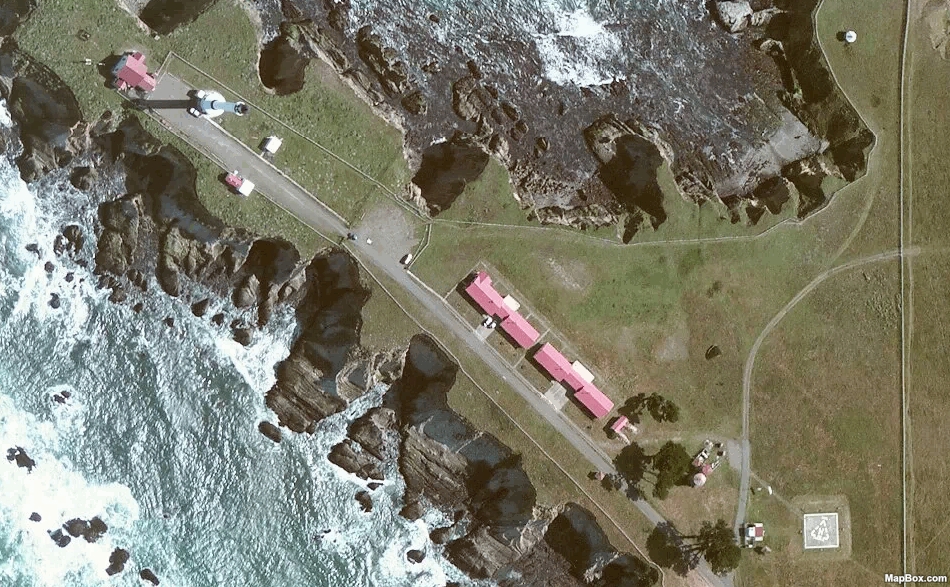
High-Resolution Aerial Imagery
Get a birds-eye view with the high-resolution color orthoimagery in ExpertGPS. Zoom in on any location in the United States to identify trails, plan site visits, or measure crops.
I use a Garmin GPS in archaeology. I transfer the data to ExpertGPS and proof it on aerials or topos provided by the software. Then I export the drawings to CADD and edit the data to make it presentable.
ExpertGPS really works for me on a tight budget.
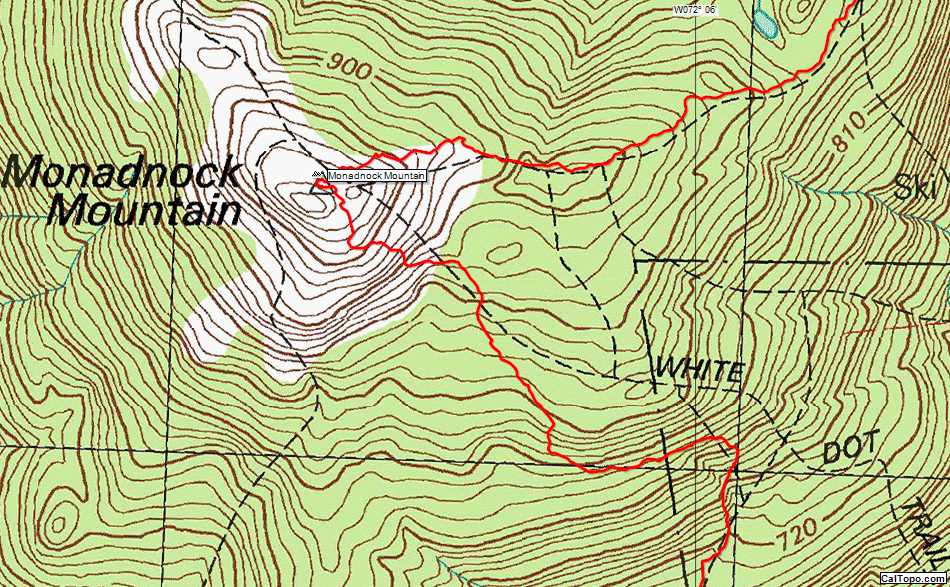
Seamless USGS Topo Maps
ExpertGPS displays US Geological Survey 1:24K topo maps for the entire United States. The maps have been seamlessly tiled together, so you can print perfect maps, even if your trip crosses a paper map boundary. Draw directly on the maps, and print lat/lon and UTM grids for use in the field.
My main reason for using ExpertGPS Home is it lets me easily geolocate photos I take while hiking.
I also use it to plan routes for future trips, and to clean up unneeded portions of backpacking tracks before storing in my reference library.
As far as other essential features: I couldn't do without the ability to quickly switch back and forth between satellite views and accurate topo views.
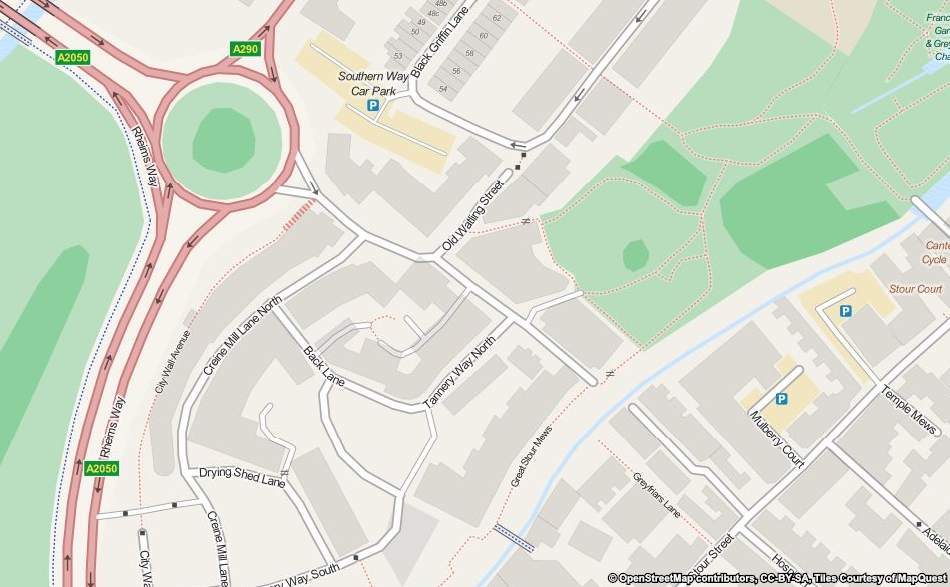
Worldwide Street Maps
Call up a street map of any location in the world with the Find Address command.
I use ExpertGPS to plan wilderness trips. When I return from these trips and other I use it to help me post my photographs on interactive Google maps for my friends to view.
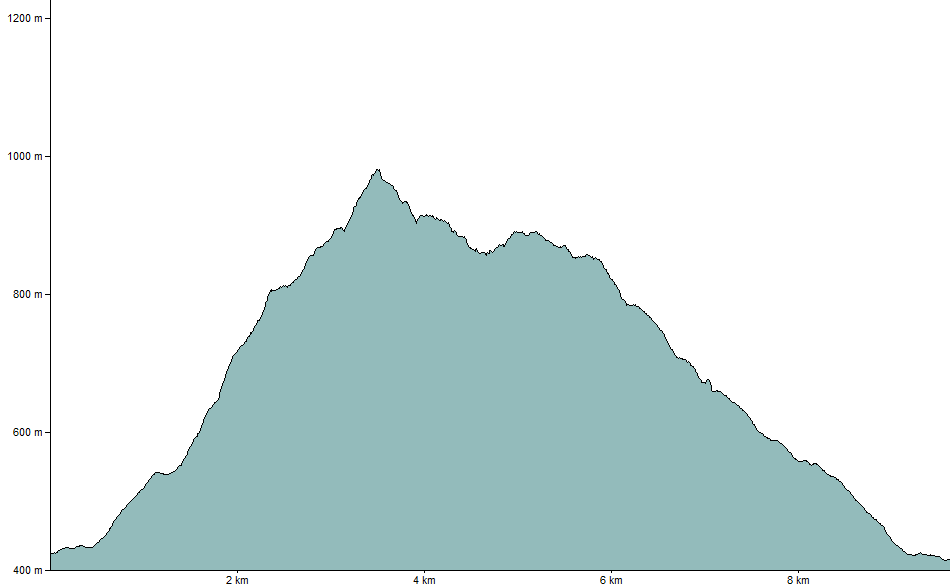
Elevation Profiles in ExpertGPS
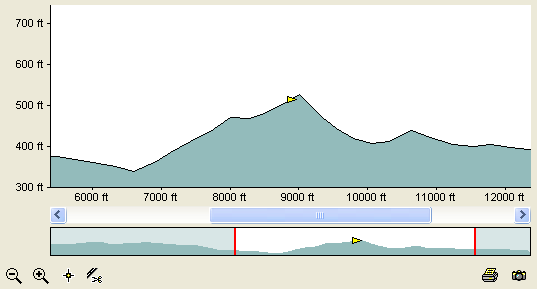
The Elevation Profile view in ExpertGPS shows a vertical plot of elevation over the course of your trip. Unlike in other software, the Elevation Profile in ExpertGPS is fully interactive - you can zoom in and out to see detail, create a waypoint at the exact high point of the profile, and delete "spikes" caused by poor GPS reception. Click anywhere on the profile, and your position (the yellow triangle) is instantly updated on the map. You can trace a trail off of a topo map and instantly see an elevation profile for your hike.
I use my GPS mountain biking two different ways. One way is view a map of a trail I had ridden. Another way is to plan a ride from aerial photos and maps and then load the planned route into the GPS to help find the trail while riding. Also can share gpx files with friends to share favorite trails. Thanks for supporting older GPS units like my Foretrex 201!
Clean up a GPS Tracklog using the Simplify and Split commands in ExpertGPS

Tired of GPS receivers that lose signal in dense woods or the "Urban Jungle"? Use the Simplify command to smooth out a tracklog that suffered from poor GPS reception.

The same tracklog after using the Simplify command. Applying the command again results in a smoother track. Too much? Just hit Undo!
I manage a large amount of waypoints and tracks. ExpertGPS is the most user friendly software, with the largest number of different systems I know. The ease of loading points to a GPS and downloading them is phenomenal.
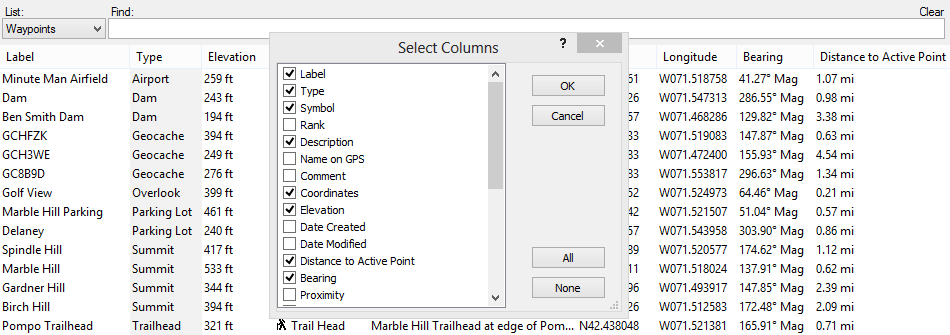
The Waypoint List
The Waypoint List shows all of your waypoints in a grid format. You can sort on any column, and add or remove columns to customize the Waypoint List to show your data just as you want it. Click on any waypoint to highlight it on the map. ExpertGPS has specialized list views for all of your waypoints, routes, tracks, photos, and geocaches.
I receive data from my surveyor, work with it on ExpertGPS, then show results on Google Earth.
ExpertGPS converts GPS data to any file format that I may need, and it calculates acres and distance.
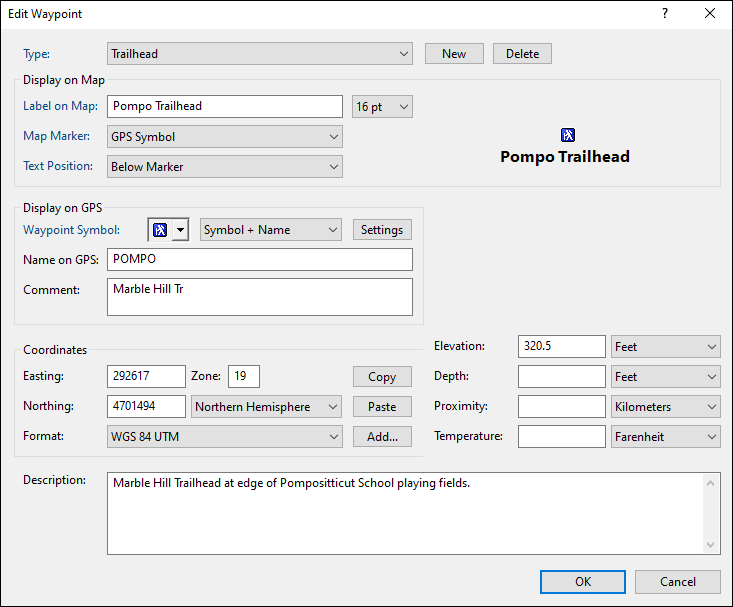
Quickly Enter and Edit GPS Waypoints
Did you ever go back and look at an old waypoint and realize that you have no idea what the cryptic 6-letter name you gave it means? With ExpertGPS, you'll never have that problem. The Edit Waypoint dialog lets you give your important waypoints descriptive labels, and you can choose a real-world type to categorize the object you are marking. Enter as many notes as you want in the description field - ExpertGPS will display them when you hover the mouse over the waypoint on the map. If you have a digital camera, take a photo and link it to the waypoint using the Links &Photos buttons.
ExpertGPS makes my Garmin eTrex much more usable. I can download named waypoints before my hike and then upload tracks and see them on the map after the hike.
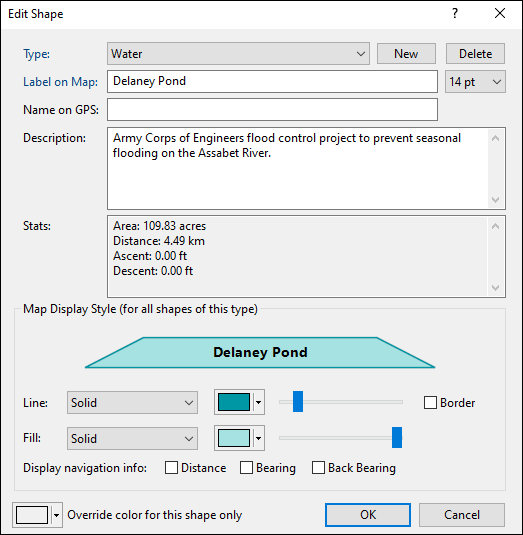
Cartographic Line Styles, Patterns, and Colors
Each of the items in ExpertGPS (your waypoints, routes, tracks, shapes, and notes) can be classified by assigning a Type. Once you create Types to describe the real-world objects you are mapping (trails, farm fields, streams, summits, trailheads, etc) you will be able to create professional-looking maps of all of your GPS data. ExpertGPS comes preset with a library of standard map symbols, and you can customize them or create your own to give your maps the perfect look.
I am a land surveyor and ExpertGPS is one of the handiest software programs I have ever used. I have been using it since 2000. When my computer crashed, it was the first thing I thought about reinstalling.
Download Your Free Trial of ExpertGPS Map Software



© 1998-2026 TopoGrafix – 24 Kirkland Dr, Stow, MA – Email: support@expertgps.com