
How to Convert GPS to DXF for AutoCAD
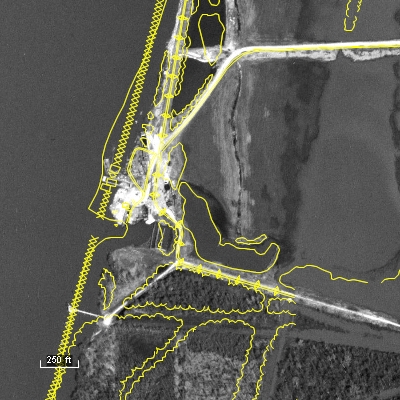
Converting GPS data to DXF format is an easy, 2-step process in ExpertGPS Pro mapping software.
 Click Receive from GPS.
ExpertGPS can retrieve waypoints, routes, and tracklogs from any handheld Garmin, Magellan, Eagle, or Lowrance GPS receiver, and reproject
the data into UTM, state plane coordinates, or other coordinate systems to match your CAD project.
 Click Export on the File menu, and select CAD/DXF format.
ExpertGPS will convert your waypoints and tracks and create DXF drawings for use in your CAD software.
Three Reasons to Choose ExpertGPS for GPS to DXF Conversion
1. ExpertGPS works with any GPS data from any Garmin, Magellan, Lowrance, or Eagle GPS receiver.
2. ExpertGPS lets you preview your GPS data over topo maps and aerial photos, so you can clean up your GPS data prior to converting it to a CAD drawing.
3. ExpertGPS automatically reprojects your GPS data to lat/lon, UTM, or state plane coordinates to match your AutoCAD project.
Convert DXF back to GPS, and other conversions
Of course, ExpertGPS Pro can also download DXF files and CAD drawings to your GPS, as well as handle all of your other data file format conversion needs.
© 1998-2026 TopoGrafix – 24 Kirkland Dr, Stow, MA – Email: support@expertgps.com